
 | Hi, I'm Jonathan Malkin. I teach owners and teams to solve real business problems with AI. Each week I test the new tools and tell you which ones are worth your time. |
- Every Monday: one thing to try, one thing to know, and what's safe to skip.
- Later in the week: a longer deep dive.
You are not behind. In some ways you're ahead.
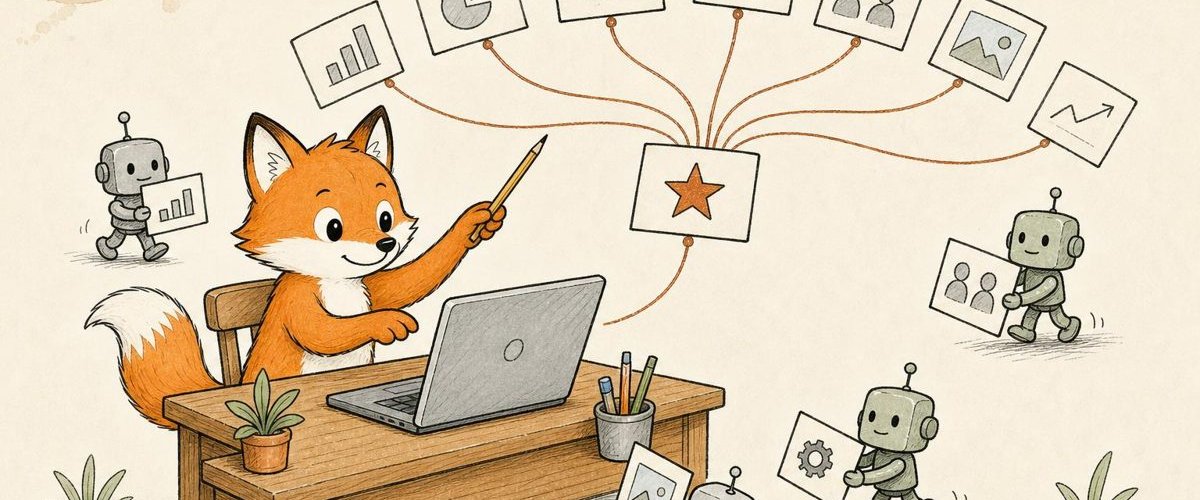
It's easier to learn these tools today than it was a year ago. They keep getting better at taking a vague idea, a wish or a goal and figuring out what you actually want. So if you have expertise in anything and you learn the tools now, you'll be far less frustrated than you would have been a year ago. And what you can do with them is far bigger.
Getting started
- Keep it simple. Do the simplest thing that works. Add more only when a job needs it.
- Start with one real task and keep a person in control. Pick something you know well enough to spot a bad answer. Keep a person on anything that goes out.
Working with the tools
- Context and instructions. The names keep changing. The principle doesn't. For me that means plain files and folders: my information and my instructions, which I carry to the next tool instead of starting over. And frequently switching between tools as I test things out!
The long view
- The tools change. The principles stay. Models and apps come and go. The way you work with them holds.
You don't have to learn every announcement. I'll experiment so you don't have to.
Jonathan
 Things to Try
Claude Projects (New and Improved!)

If you have Claude, check whether you have the new Projects. It's where your files and the agent work meet.
Claude Projects used to be a workspace: your chats plus the files and instructions you gave them. On September 17 Anthropic redesigned them. Now you give a project a goal and the context it needs. Claude splits the work into threads, runs them, then reviews and assembles the result. You watch and steer from one project chat, and a shared memory keeps decisions and key contacts across every thread.
Who can get it today? The new Projects is rolling out slowly. Joining the waitlist might speed things up 🤷🏼♂️ at claude.com/form/projects.
The habit that makes it work is simple. Think through a few things before you start:
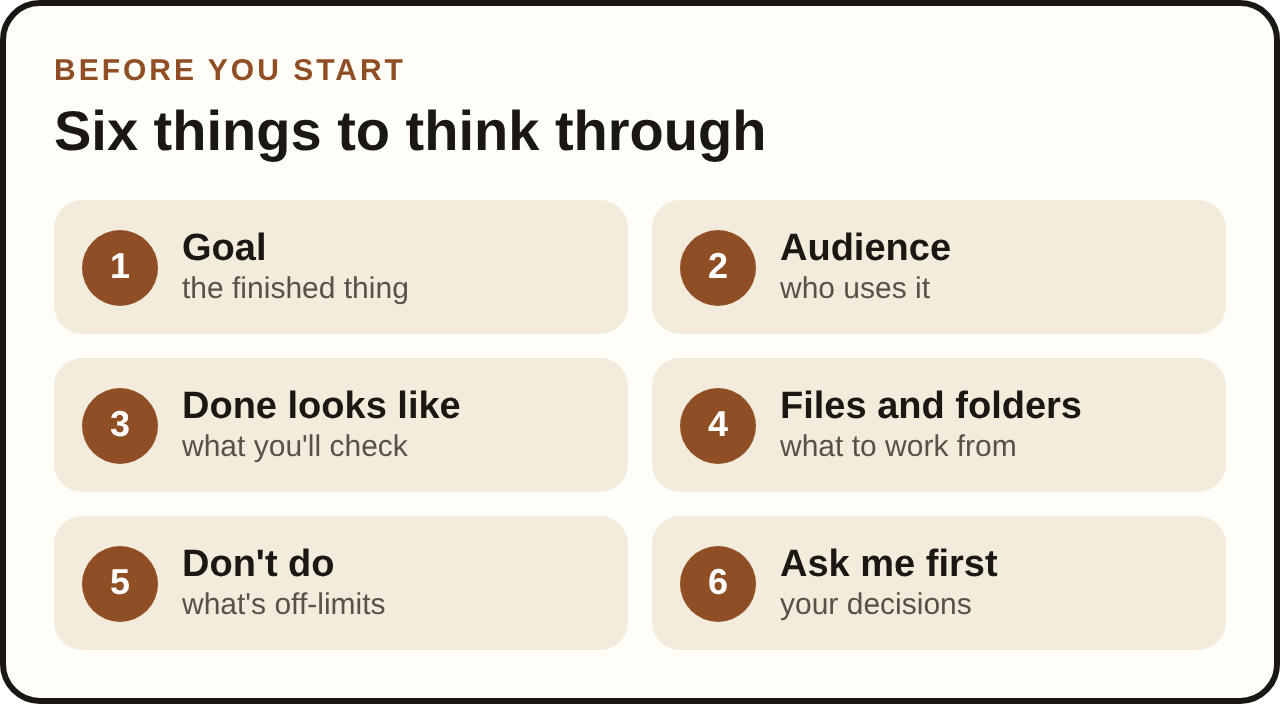
You don't have to write them all out. A project holds a goal, instructions and connections, and its threads cover the rest. In a plain chat, a sentence on the goal and what to work from goes a long way.
I run this newsletter in one. The research, the drafts and the review copies each got a thread, and I steered all of it from the project chat.
Write a goal this week? Subscribe and reply to the next issue with it, and I'll tell you what I'd tighten.
 Things to Know
Grok Bot vs. Muse
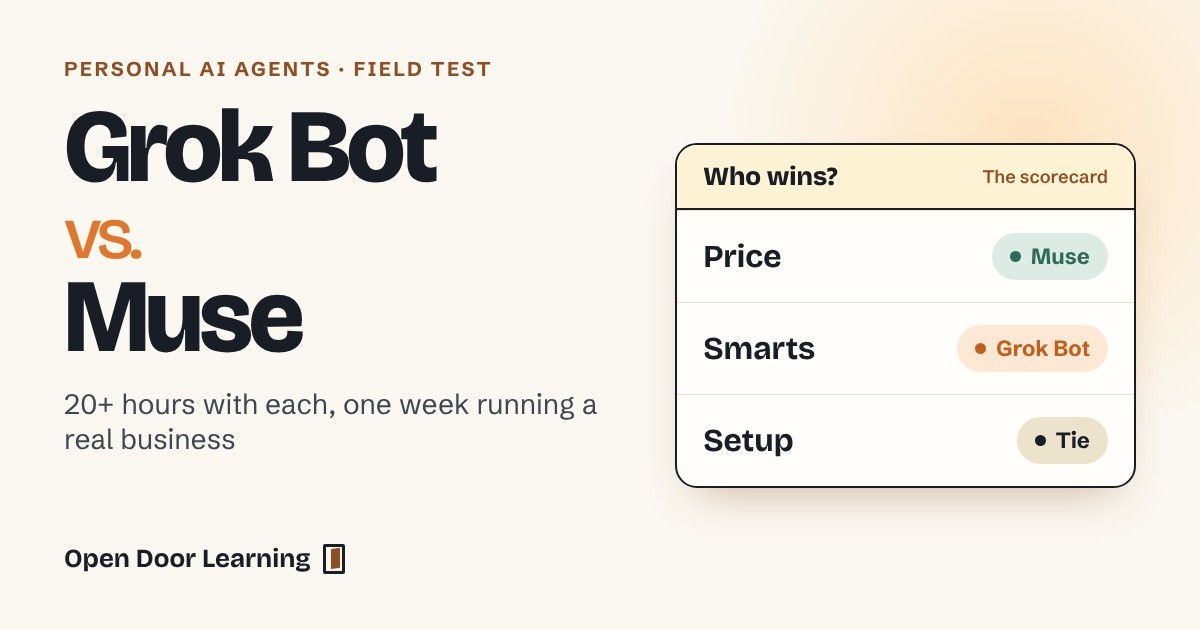
Last week I ran my business on each of these personal AI agents for 20-plus hours. Here's how they compare for a small business.
- Price: Muse. The free plan includes 100 million tokens a week, and $16 a month buys 500 million. Grok Bot took me from its $20 plan to the $200 plan within a week (why it cost so much).
- Smarts: Grok Bot. It handles more work on its own and got upgraded to use Claude!
- Setup: Tie. With instructions kept in files you own, both run the same assistants and jobs. As always, well-organized files and folders win the day!
I use Claude Code for working at my desk and Muse when I'm on the go for all the behind the scenes tasks and communications; like a great personal assistant! Having some fun with Grok Bot too! It's good to experiment.
Just starting out? Start with Muse on the free plan.
 Safe to Skip
Safe to skip this week
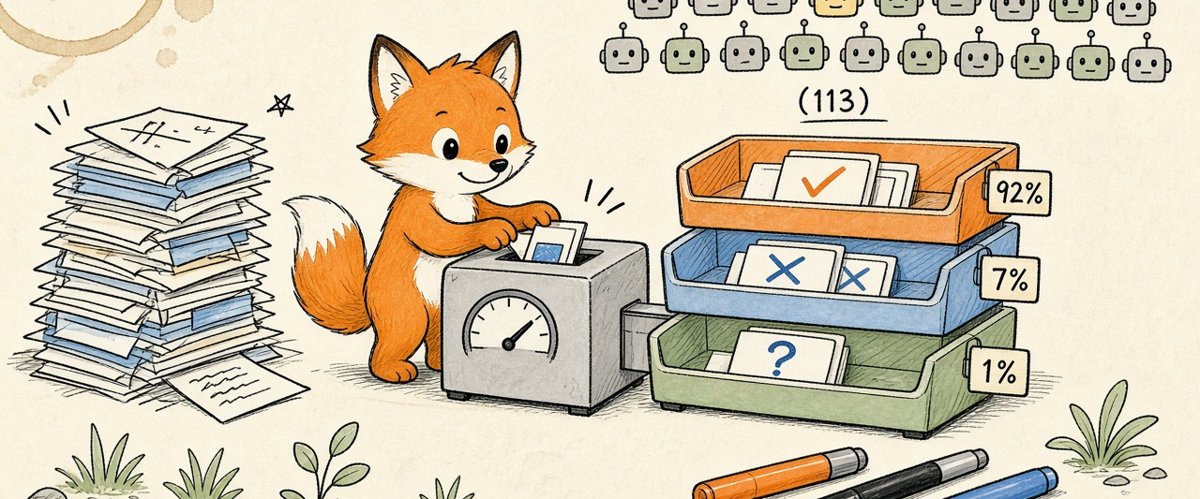
Lots of news comes out all the time. Here are the bits you may have heard about that don't really affect you or your business right now.
- Claude Haiku 5.5. Anthropic's cheapest, fastest small model came out October 7. It's in the Claude app on Free, Pro and Max. The model you already use is fine.
- Decision models. A new kind of small model that answers yes-or-no questions with a probability instead of writing prose, fast and nearly free. It matters to whoever builds your automations, not to you yet. (My decision-models article)
Source: Claude Haiku 5.5
 Coming Soon
Claude Motion

Interesting and useful, just not open to everyone yet.
Turns a prompt into a short animation you can download as a video. It's in beta on Team and Enterprise plans for now. Worth a look when it reaches yours.
Source: Claude Motion
 Questions
What's one task you'd hand to AI this week if you trusted it with it?
Reply on LinkedIn or X, or sign up below and reply to the next one.
Thanks for reading. See you next Monday.
Jonathan Malkin is an AI educator in Austin who teaches owners, executives and their teams to solve real business problems with AI.